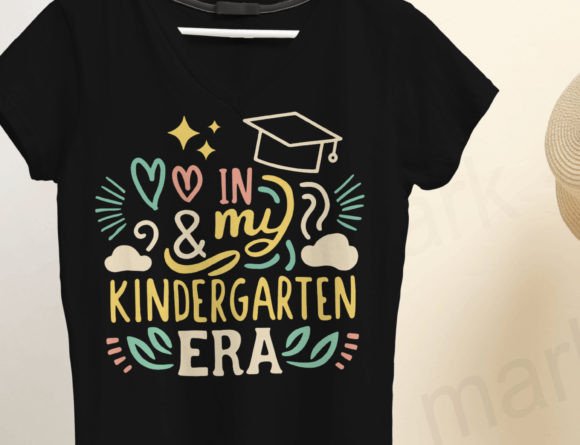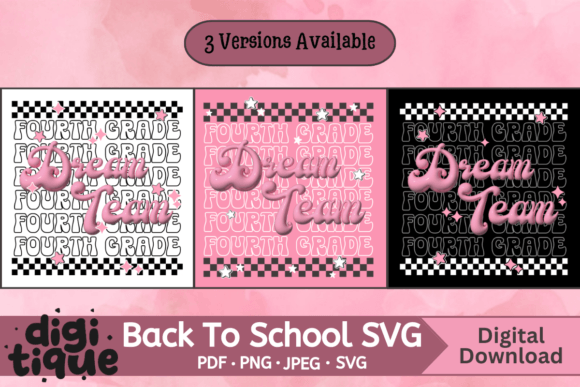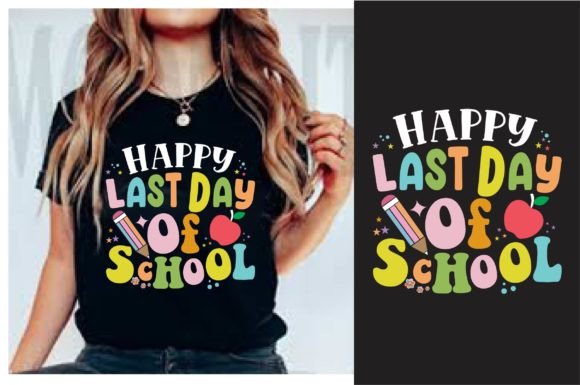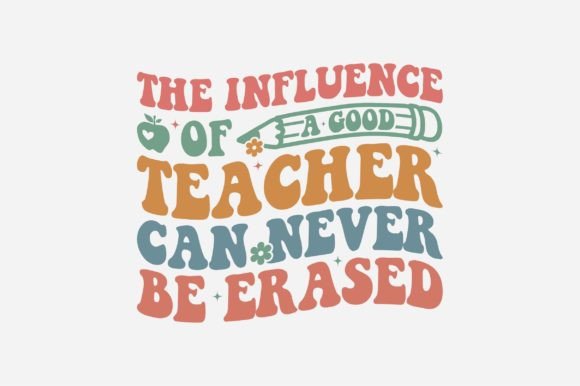
Kindergarten Retro Teacher Groovy PNG
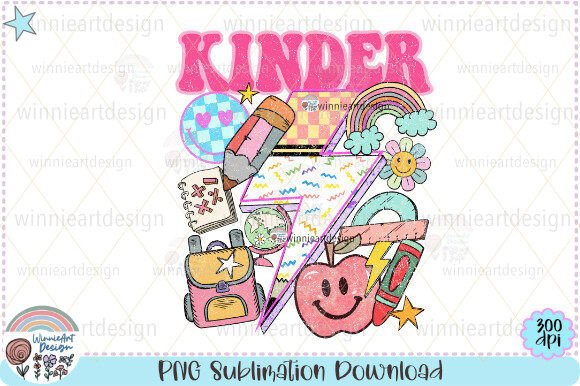
If you’ve ever scrolled through design marketplaces searching for cheerful, nostalgic classroom energy—think warm yellows, playful fonts, and that unmistakable 70s-inspired kindergarten vibe—you’ve likely paused on a Kindergarten Retro Teacher Groovy PNG. This isn’t just another clipart file. It’s a high-resolution, ready-to-use digital asset designed with intention: 4000 x 4800 pixels at 300 dpi, delivered as a clean, watermark-free PNG in a single ZIP file. No SVGs, no layered PSDs—just one crisp, transparent-background image optimized for real-world crafting and printing.
Why This Design Fits More Than One Kind of Creator
What makes the Kindergarten Retro Teacher Groovy PNG quietly versatile is how it meets different people where they are—not just in skill level, but in purpose.
For Teachers & Early Educators
You’re not designing for a gallery—you’re prepping for open house, parent-teacher conferences, or a cozy reading nook. A retro teacher motif adds warmth without overwhelming young learners. Print it on cardstock for welcome signs, resize it for laminated name tags, or use it as a background for printable behavior charts. Because it’s a PNG with transparency, you can drop it into Canva or Google Slides without white boxes ruining your layout. You care about clarity, age-appropriateness, and ease—not technical complexity.
For Hobbyists & DIY Parents
You’re stitching pillow covers for your child’s first day of kindergarten—or screen-printing tote bags for preschool drop-off. The Kindergarten Retro Teacher Groovy PNG gives you instant visual charm without needing illustration skills. Resize it in free tools like Photopea or even PowerPoint to fit a 12×12 inch pillow template or a 10-inch mug wrap. Since it’s 300 dpi, local print shops will accept it confidently. You value reliability over bells and whistles—and you appreciate knowing watermarks vanish from your final file.
For Small Business Owners & Makers
If you sell handmade children’s goods on Etsy or run a boutique school supply shop, this file supports consistent branding. Use it across product mockups (mugs, notebooks, stickers), social media banners, or seasonal email headers—all while staying true to a joyful, analog-inspired aesthetic. You’ll check resolution first (✓ 4000×4800), then confirm compatibility with your cutting software (Cricut Design Space, Silhouette Studio) or DTG printer workflow. Flexibility matters—but so does speed. You don’t want to spend hours tracing or converting files.
For Graphic Designers & Freelancers
You might skip this if you need editable vectors or multi-layered source files—but if a client asks for “vintage kindergarten energy” on tight turnaround, this PNG becomes a smart starting point. Drop it into a layout, adjust hue/saturation to match brand colors, or composite it with textures for a tactile poster. You’ll assess it by how cleanly it scales down for social thumbnails *and* holds detail when enlarged for wall art. You notice the absence of jagged edges or compression artifacts—signs of thoughtful raster preparation.
What Practical Details Actually Matter
Here’s what users consistently find helpful—and what to watch for:
- Resolution & Format: At 4000 × 4800 pixels and 300 dpi, it prints sharply up to ~13×16 inches. PNG means transparency support—no awkward white borders when placing over colored backgrounds.
- No SVG Trap: Some buyers assume “digital file” means vector. Clarifying it’s PNG-only prevents mismatched expectations—especially for crafters who need cut-ready files. If you’re using Cricut, you’ll trace or use the “simple cut” feature; if you’re printing, no conversion needed.
- Realistic Color Expectations: Screen displays vary. That sunshine yellow may look richer on your monitor than on uncoated kraft paper. Test a small print first—especially for mugs or fabric, where substrate affects tone.
- Editing Readiness: You’ll likely resize it. Most free and paid editors handle PNGs intuitively. Just remember: scaling up beyond native dimensions risks pixelation. Keep edits within 80–120% of original size for best results.
Ideas That Go Beyond the Obvious
Yes, it works on T-shirts and greeting cards—but here’s where creativity expands:
- Classroom Transitions: Print four copies at 5×7 inches, mount on wood slices, and label them “Read,” “Create,” “Move,” and “Breathe.” The retro teacher graphic softens routine without sacrificing clarity.
- Educational Blog Graphics: Pair the image with short teaching tips (“Why Play-Based Learning Works”) in blog headers. Its friendly tone invites engagement better than sterile stock photos.
- Parent Workshop Handouts: Add it to a one-page guide about supporting early literacy—positioned subtly in the corner. Signals warmth and approachability before the first sentence is read.
- Small-Batch Stationery: Combine with hand-lettered quotes in Procreate, export as PDF, and send to a local printer for letterpress-style notecards. The PNG anchors the design in personality.
Does This Match Your Next Project?
Ask yourself:
- Are you making something physical—like a pillow, mug, or classroom sign—where a bold, joyful image sets the mood?
- Do you prefer plug-and-play assets over building from scratch or editing complex layers?
- Is your priority authenticity over ultra-modern minimalism? (This leans into warmth, texture, and gentle nostalgia—not sleek futurism.)
- Will your end use benefit from transparency—so the design floats cleanly over patterned scrapbook paper, fabric, or digital backgrounds?
If most answers are yes, the Kindergarten Retro Teacher Groovy PNG fits naturally into your toolkit—not as a shortcut, but as a considered, quality-checked piece that saves time without sacrificing character.
It won’t replace custom illustration for a full brand identity. It won’t work if you need scalable logos or embroidery digitizing. But for educators adding heart to their space, makers building small-batch joy, or designers sourcing expressive, on-brand visuals—it delivers exactly what it promises: groovy, grounded, and ready to go.